Put your IP portfolio in your AI assistant.
The ToFU IPONZ connector links Claude and ChatGPT straight to the New Zealand IPONZ register. Ask about a trade mark, search a client's portfolio, check a renewal, read a task, summarise a document — in plain language, in the tools you already use.
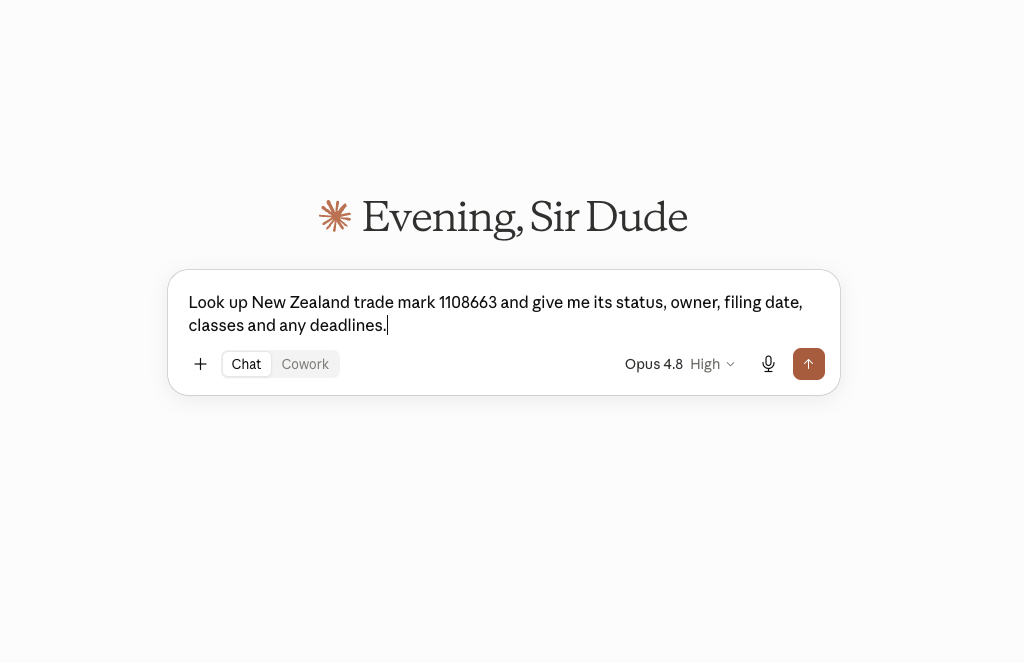
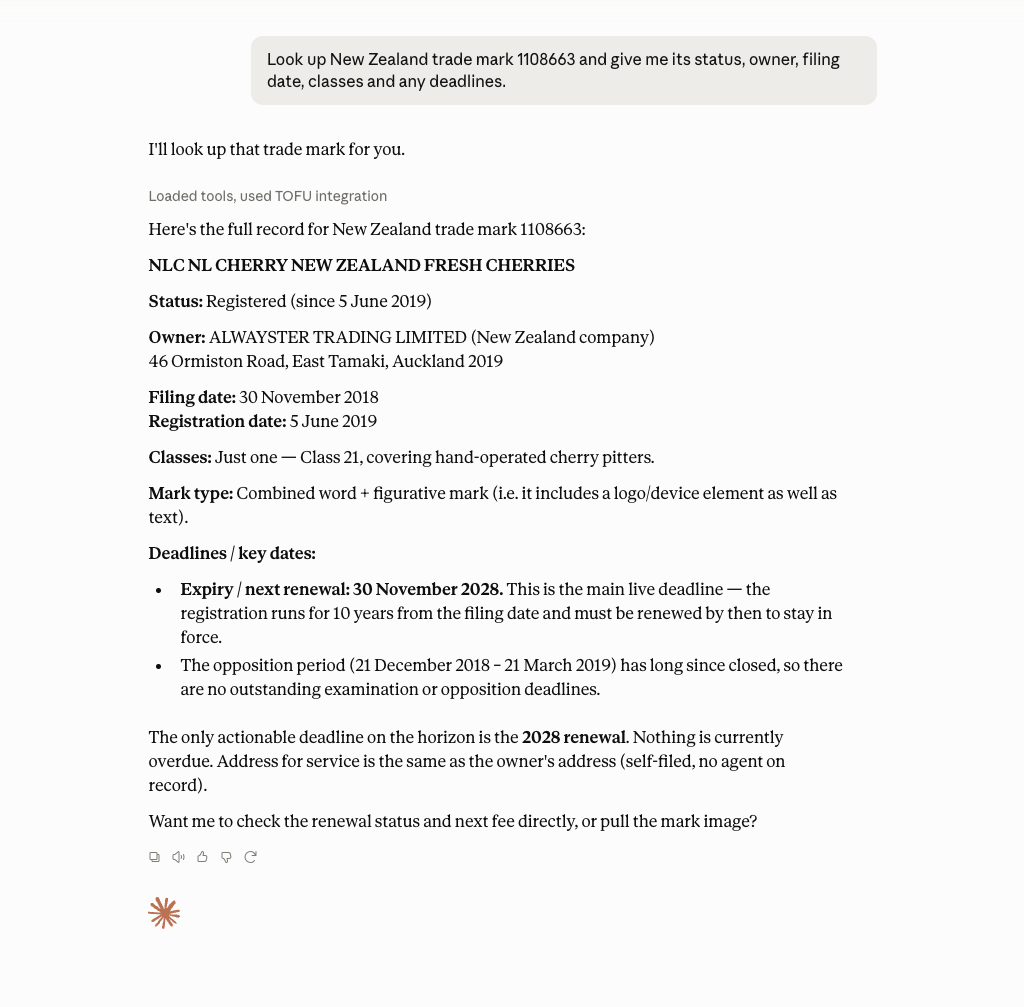
Ask in plain language → Claude answers with a structured record — scroll it to read the full reply.
Look up trade marks, designs and patents; search portfolios and clients; view tasks and discussions; and download & summarise correspondence — 14 read tools.
Opt in to write access to file trade marks and patents, pay renewals and respond to tasks. Off by default — write tools only appear when you enable them. Filings incur official IPONZ fees.
Your IPONZ keys are sealed into your personal connector key and never stored on our server. There's no database. Revoke access any time from your IPONZ account.
Connect Claude (Desktop or Web)
The custom-connector flow uses OAuth — you never paste a key into Claude itself.
Open Connectors
In Claude, go to Settings → Connectors and choose Add custom connector.
Paste the connector URL
Enter the ToFU IPONZ URL and continue:
https://mcp.tofumark.com/api/mcpSign in with your IPONZ keys
Claude opens the ToFU credential form. Enter your two IPONZ keys, choose Sandbox or Production, pick Read only or Read & write, and optionally add your User Id and Customer Id (see below). Approve.
Start asking
The IPONZ tools load automatically. Try one of the example prompts below.
Connect ChatGPT
Custom MCP connectors are available on ChatGPT plans that support connectors (Plus, Pro, Business, Enterprise & Edu). Steps may vary slightly as OpenAI updates the UI.
Open Connectors
In ChatGPT, go to Settings → Connectors (you may need to turn on Developer mode / custom connectors under Advanced), then Create / Add.
Add the MCP server
Choose an MCP server / custom connector and paste the URL:
https://mcp.tofumark.com/api/mcpAuthenticate with your IPONZ keys
Choose OAuth for authentication — ChatGPT opens the same ToFU credential form. Enter your keys, environment, and access scope, then approve.
Enable it in a chat
Turn the connector on for a conversation (via the tools/+ menu), then ask away.
Prefer a manual token, or using another MCP client (e.g. mcp-remote)? Visit mcp.tofumark.com/connect to issue a key and paste it as X-API-Key.
What you'll enter
The ToFU login form (opened by Claude or ChatGPT) collects:
Your two IPONZ API subscription keys. Get them from the business.govt.nz IPONZ developer portal by subscribing to the IPONZ and IPONZ-Documents products. Treat them like passwords.
Sandbox is a safe test register. Production is the live register — real filings and fees.
Write adds filing, renewal payment and task-response tools, and incurs official fees. Enable it deliberately.
Your portal User Id powers your task inbox; your Customer / Agent Id powers your portfolio search. Save them once so those tools need no arguments. The User Id isn't API-discoverable — read it from your IPONZ web account.
The tools
Documents come back usefully: PDFs are text-extracted so the model can summarise them; filing images return as pictures.
Try these
Security
Your IPONZ keys are validated against IPONZ, then encrypted (AES-256-GCM) into your connector key — there is no server-side database of your credentials. The read/write scope travels inside the key too. Revoke access by deleting the keys in your IPONZ account. Write scope is powerful: filings and renewals incur official fees, so default to Read and enable Write deliberately.